
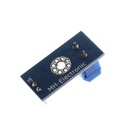

Voltage Sensor Module Test Electronic Bricks For Robot For Arduino
Categories :
Arduino Shield & ModuleSKU :
181116
100% original guarantee

Return within 30days

Worldwide Fast delivery
You may also like
Q8 AT24C256 12C Interface Memory Module
$ 0.89 $ 0.89
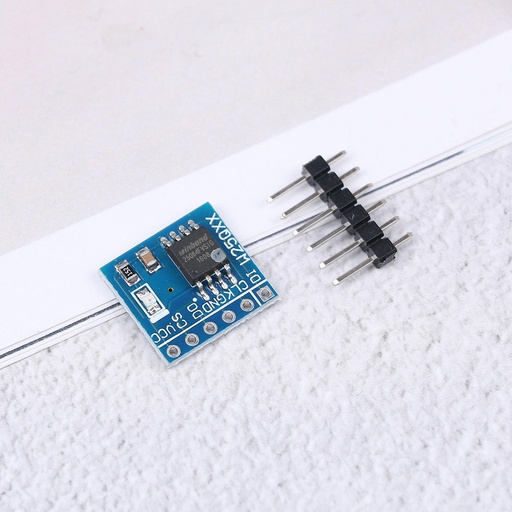
W25Q64 64Mbit 8MByte Flash Storage Module SPI Interface
$ 1.18 $ 1.18
Description:
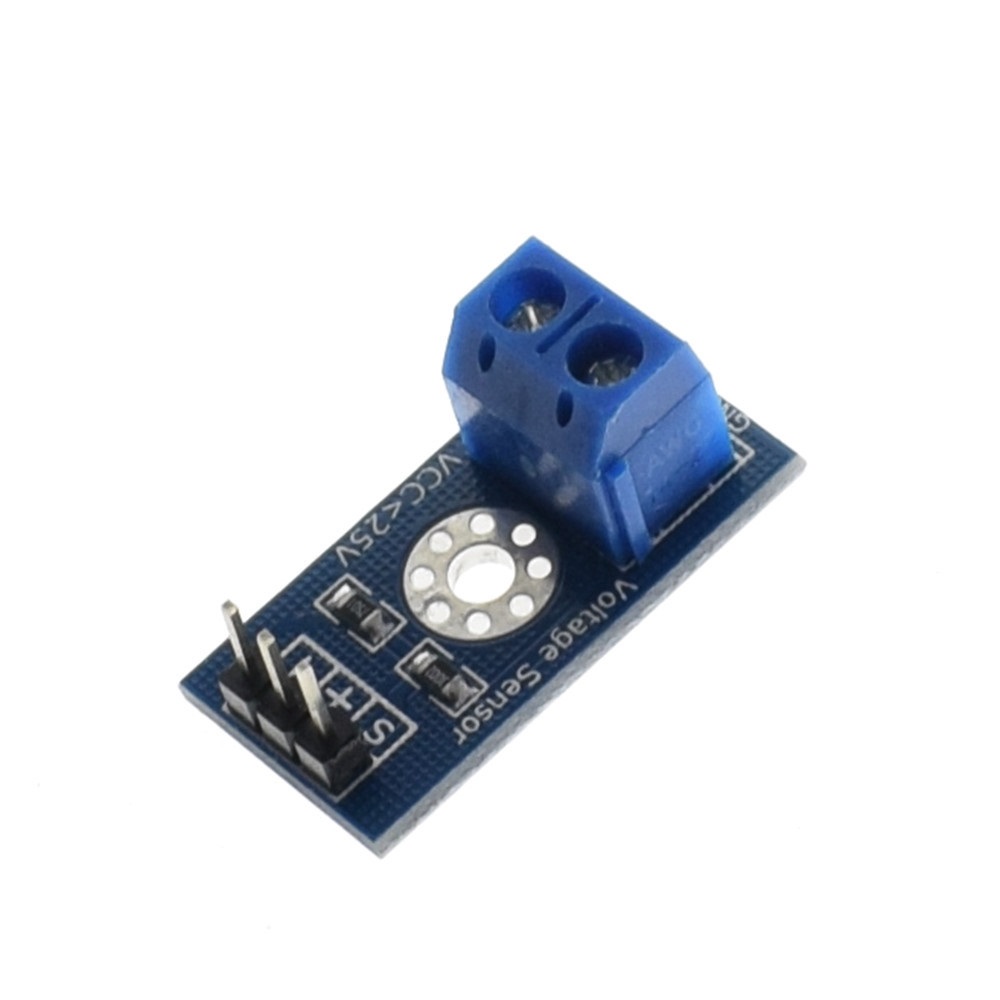
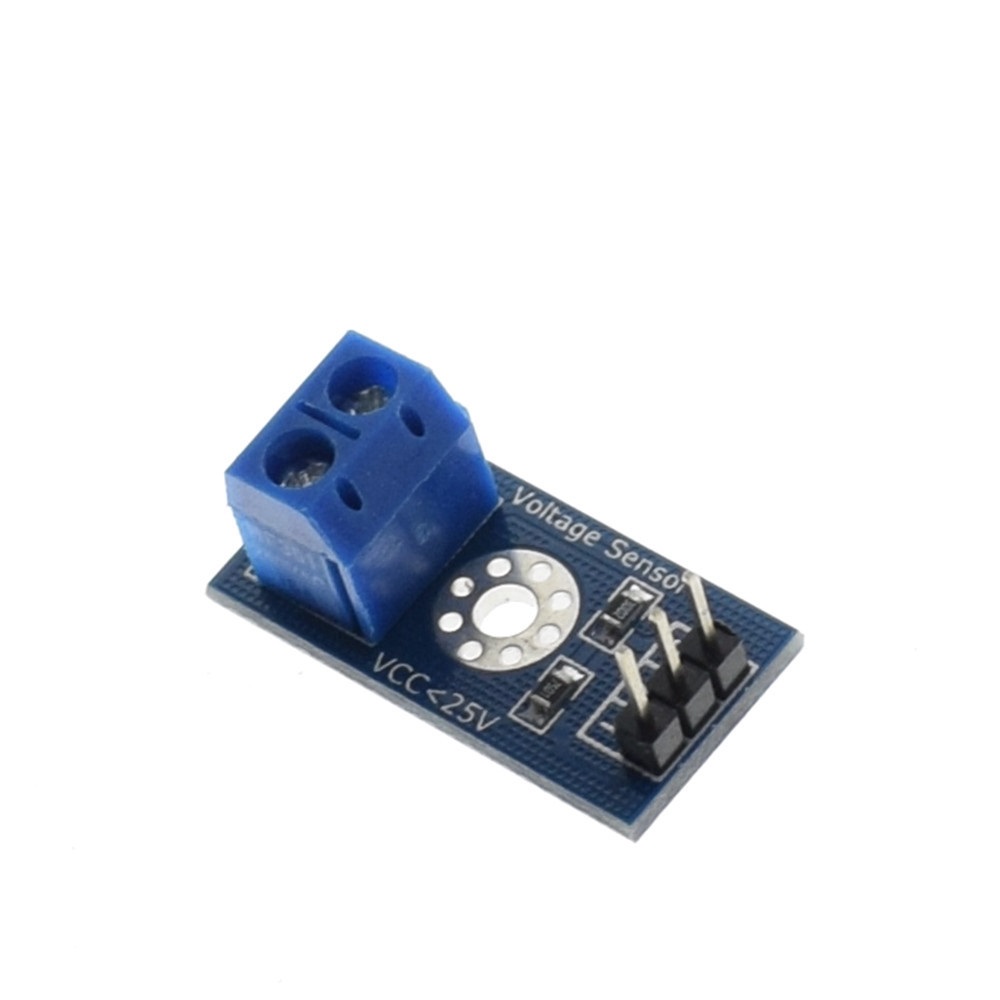
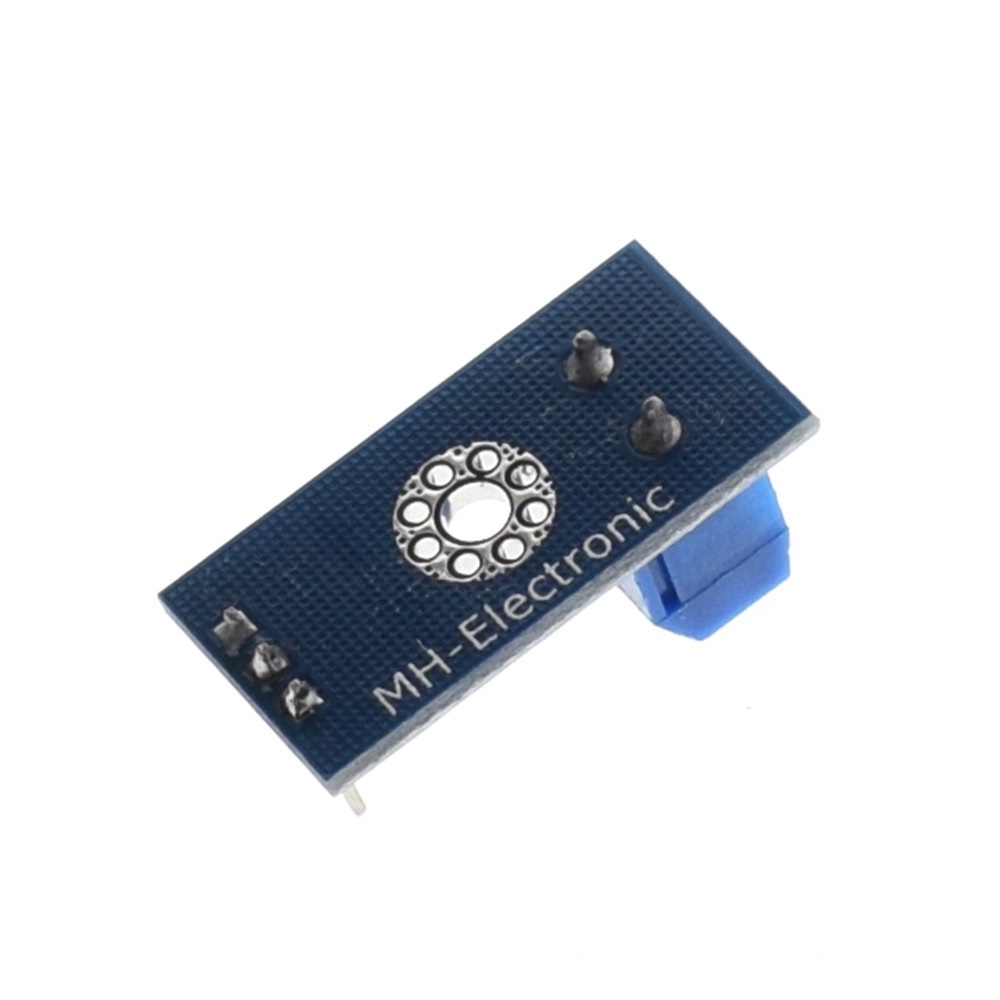
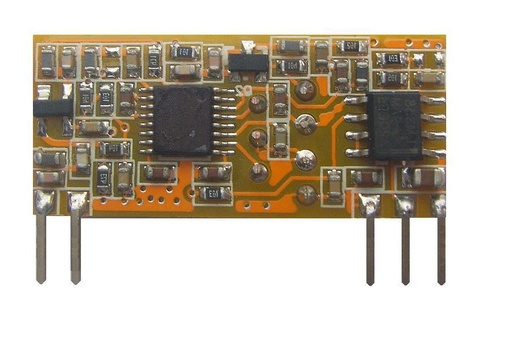
This module is based on a resistive divider principle design, make the interface terminal input voltage reduced 5 times, A rduino analog input voltage up to 5V, then the input voltage of the voltage detection module can not be greater than 5V × 5 = 25V (if used 3.3V system, the input voltage can not exceed 3.3Vx5 = 16.5V). Because A rduino AVR chips used in 10 AD, so the resolution of the analog module is 0.00489V (5V / 1023), so the voltage detection module detects a minimum input voltage of 0.00489V × 5 = 0.02445V.
Parameter:
Voltage input range: DC0-25V
Voltage detection range: DC0.02445V-25V
Voltage analog resolution: 0.00489V
Wiring:
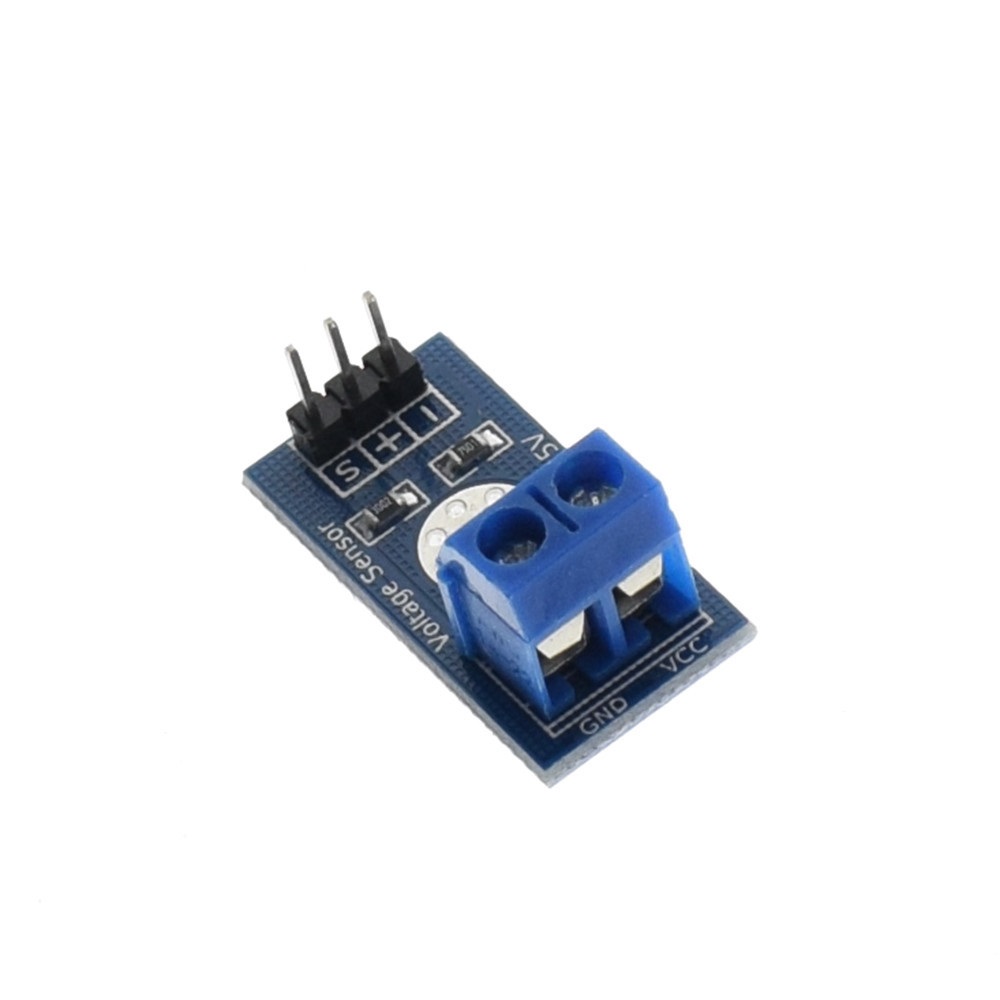
DC input connector:
The positive terminal connected to VCC,
The negative connected toGND
Output interface:
"+" is 5 / 3.3V,
"-" then GND,
"s" A rduino connected to the AD pin
Code:
#include
int val11;
int val2;
void setup()
{
pinMode(LED1,OUTPUT);
Serial.begin(9600);
Serial.println("Emartee.Com");
Serial.println("Voltage: ");
Serial.print("V");
}
void loop()
{
float temp;
val11=analogRead(1);
temp=val11/4.092;
val11=(int)temp;//
val2=((val11%100)/10);
Serial.println(val2);
delay(1000);
}