

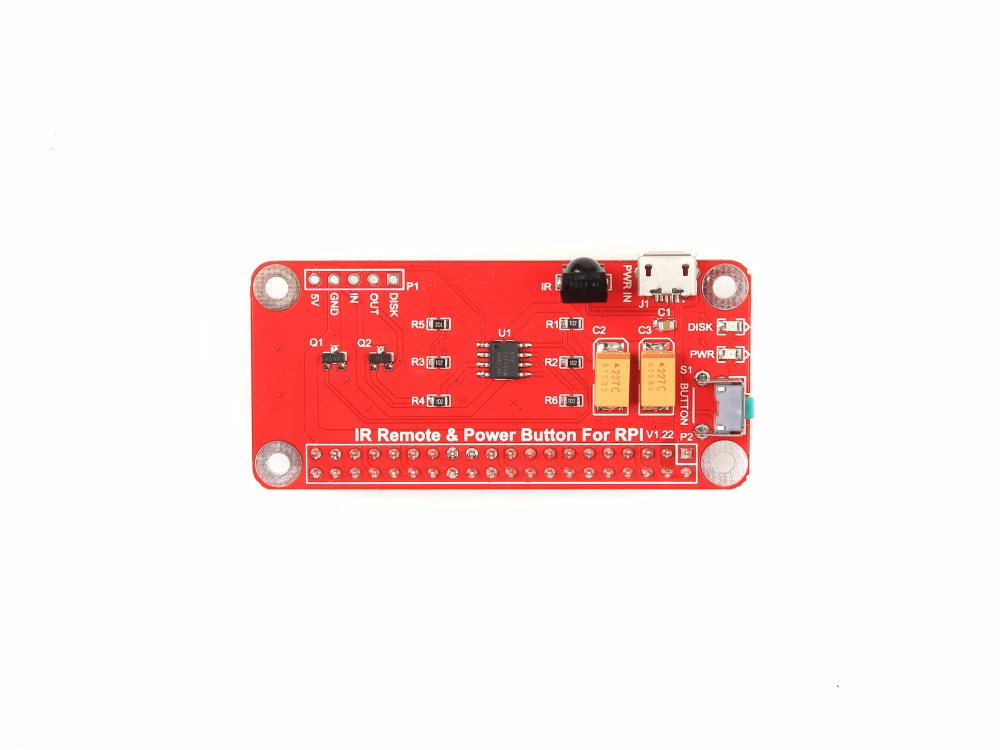

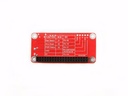

Remote power switch module Button for Raspberry pi3 / B type
Categories :
Raspberry Pi AccessoriesSKU :
180955
100% original guarantee

Return within 30days

Worldwide Fast delivery
You may also like
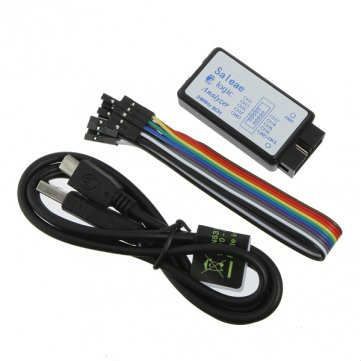
Saleae USB Logic Analyzer - 24 MHz 8 Channelss
$ 6.98 $ 6.98
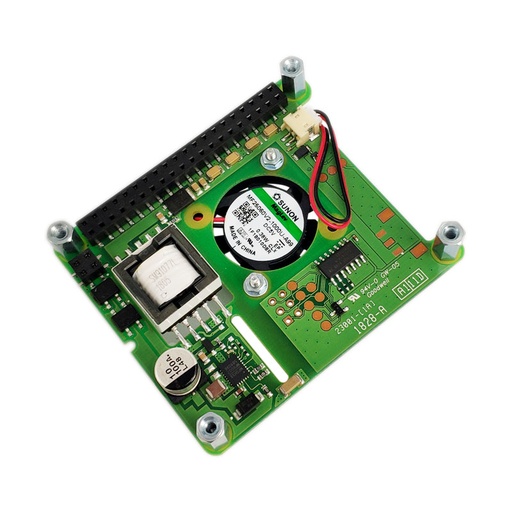
PoE HAT for Raspberry Pi 3 B+
$ 31.01 $ 31.01

Description
As everyone at some point will recognize the Raspberry Pi doesn't include any kind of shutdown button.
So the only way to power it off is by unplugging it from the power supply.
To make sure you get no corruption of your data files on the SD card you should shutdown the Raspberry before powering it off.
So the whole procedure can be a bit annoying especially if you want to use the Raspberry as some kind of embedded PC .
E.g. a media server or an internet radio.
Features
Power Button provides a small circuit that includes the features:
Sending a shutdown signal to the Raspberry if the Shutdown Button is pressed
Powering off the Raspberry after save shutdown
Powering on the Raspberry after the Button is pressed again
LED light indicating the current state: On / Shutdown / Off
Easy to setup
Parameters
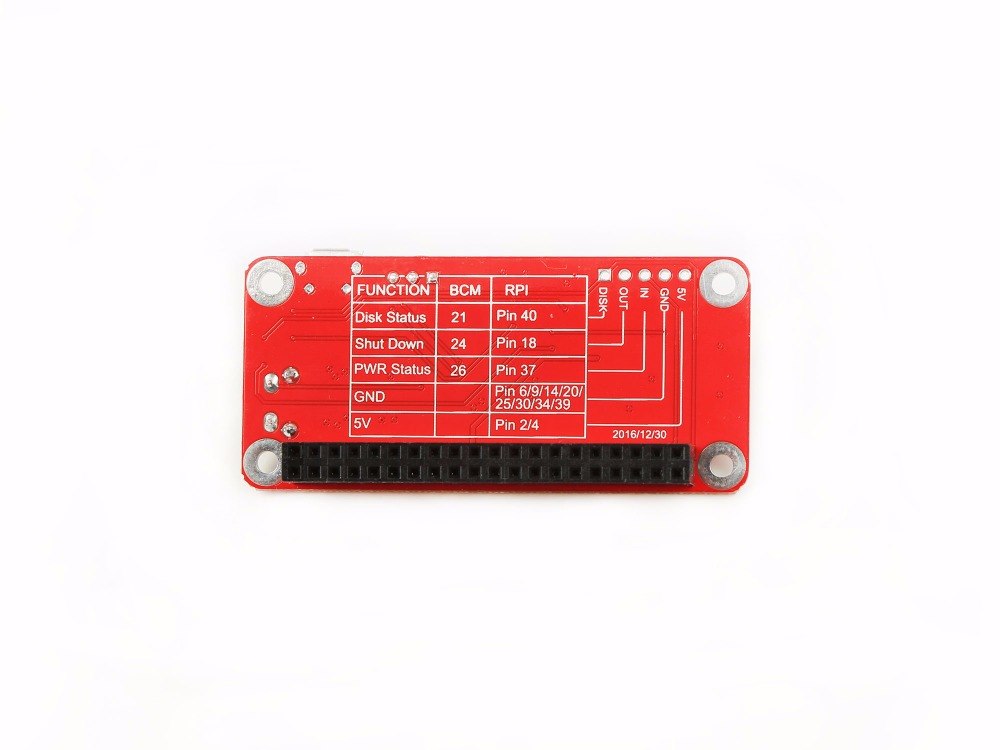
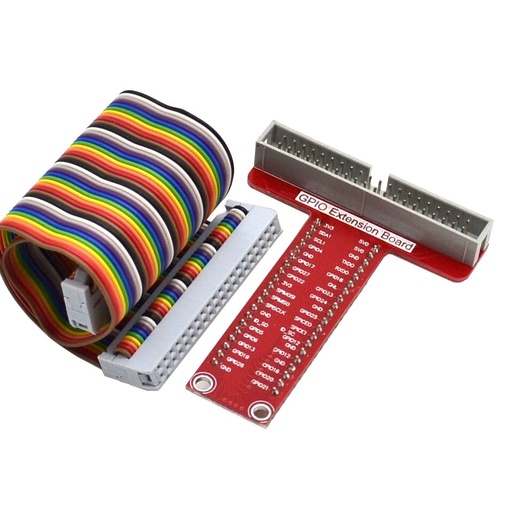
There is a chart which can show you the function of the GPIO Pin definition of this board:
NOTE: Please make sure that your Raspberry Pi have 5V/2.5A power supply with this module!!!
How to wire it up
Do NOT connect your power supply to Raspberry Pi, Please connect it to Power Button directly.